
How to customize your travel animation style
Beyond the icons, Travel Story Maker exposes every visual lever to fine-tune your animation: map style, route color and thickness, speed, easing, globe projection and watermark. This guide walks through each setting and gives concrete recipes.
Screenshots illustrate an earlier interface. The instructions and linked help topics below describe the current controls.
On this page
Map style
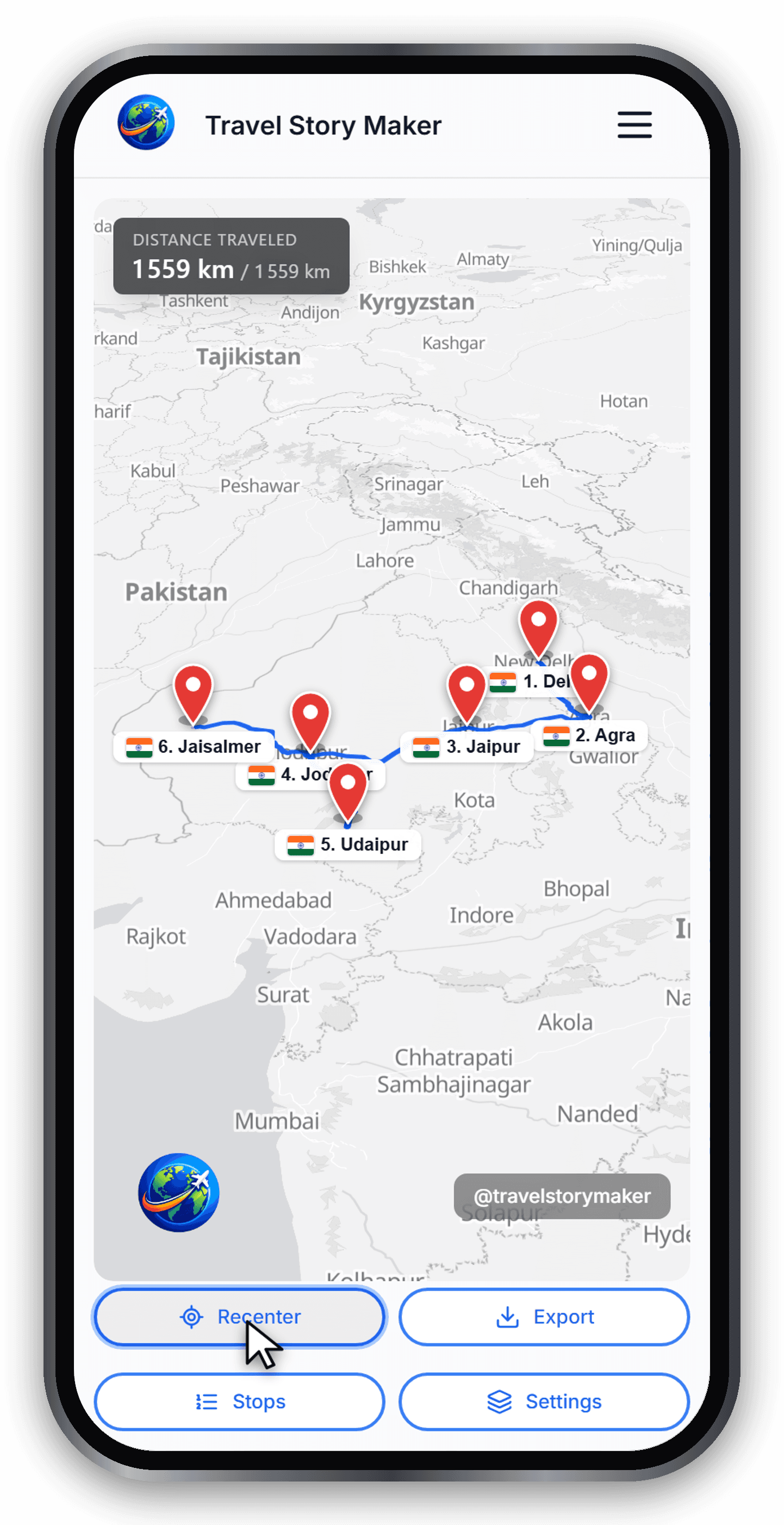
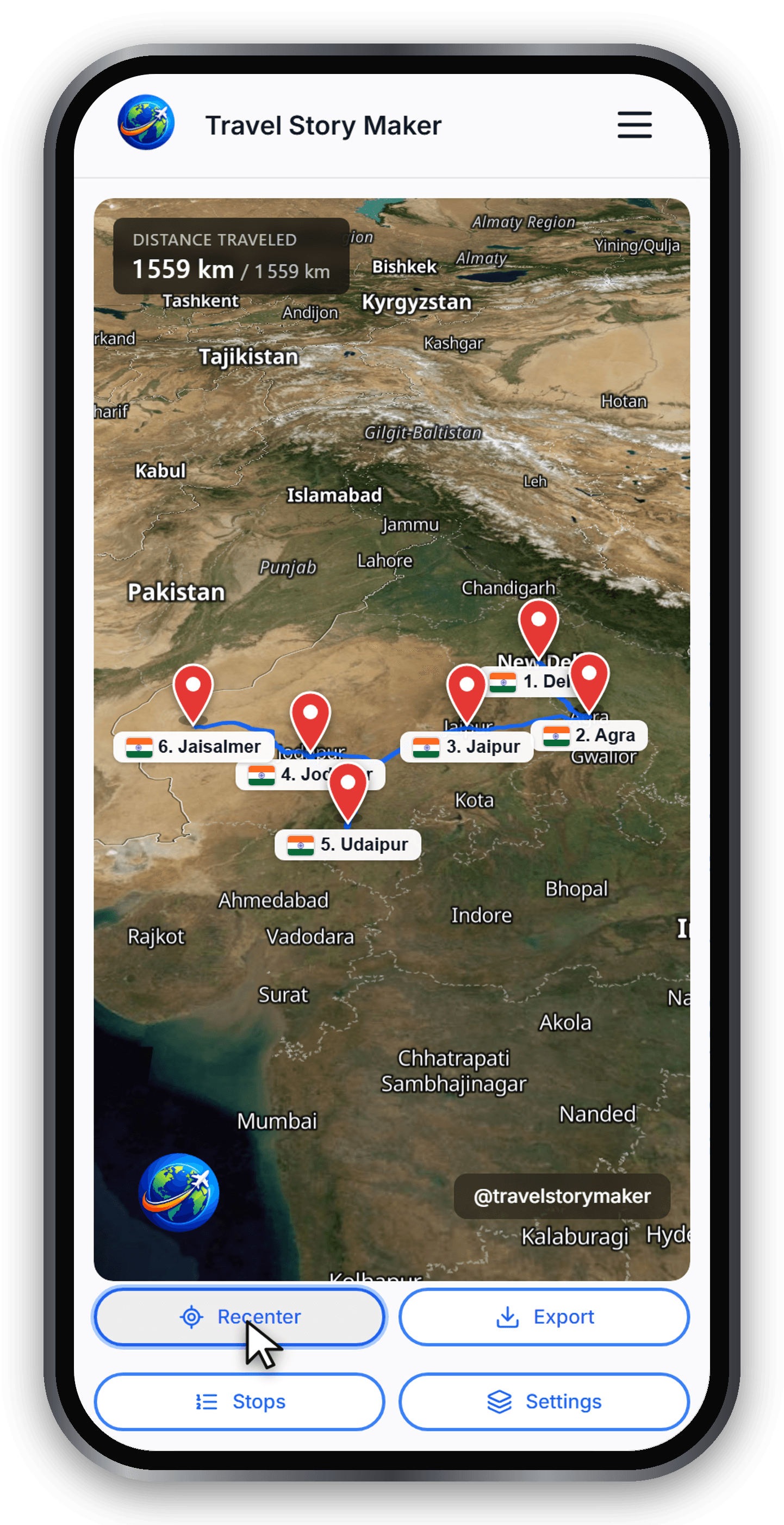
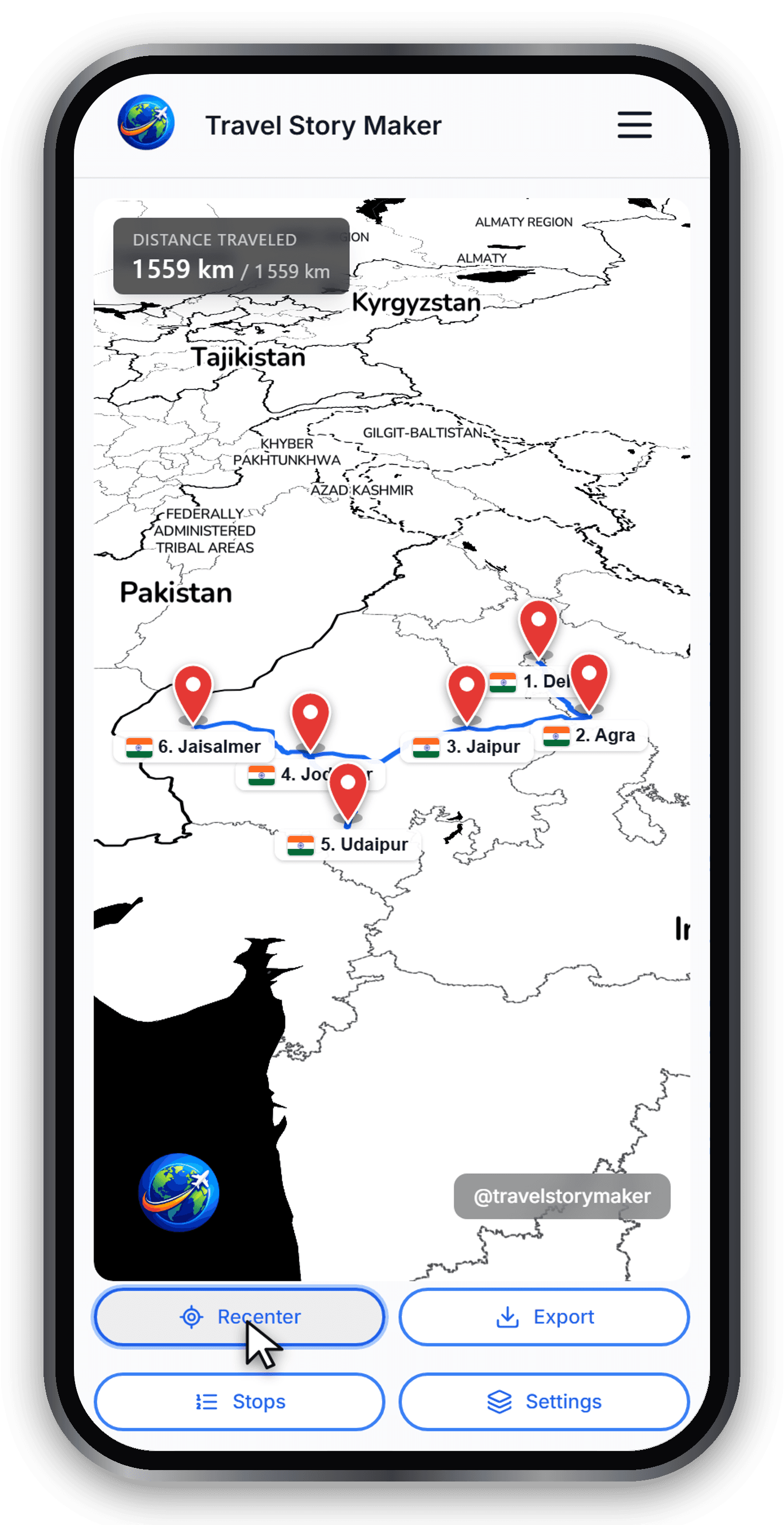
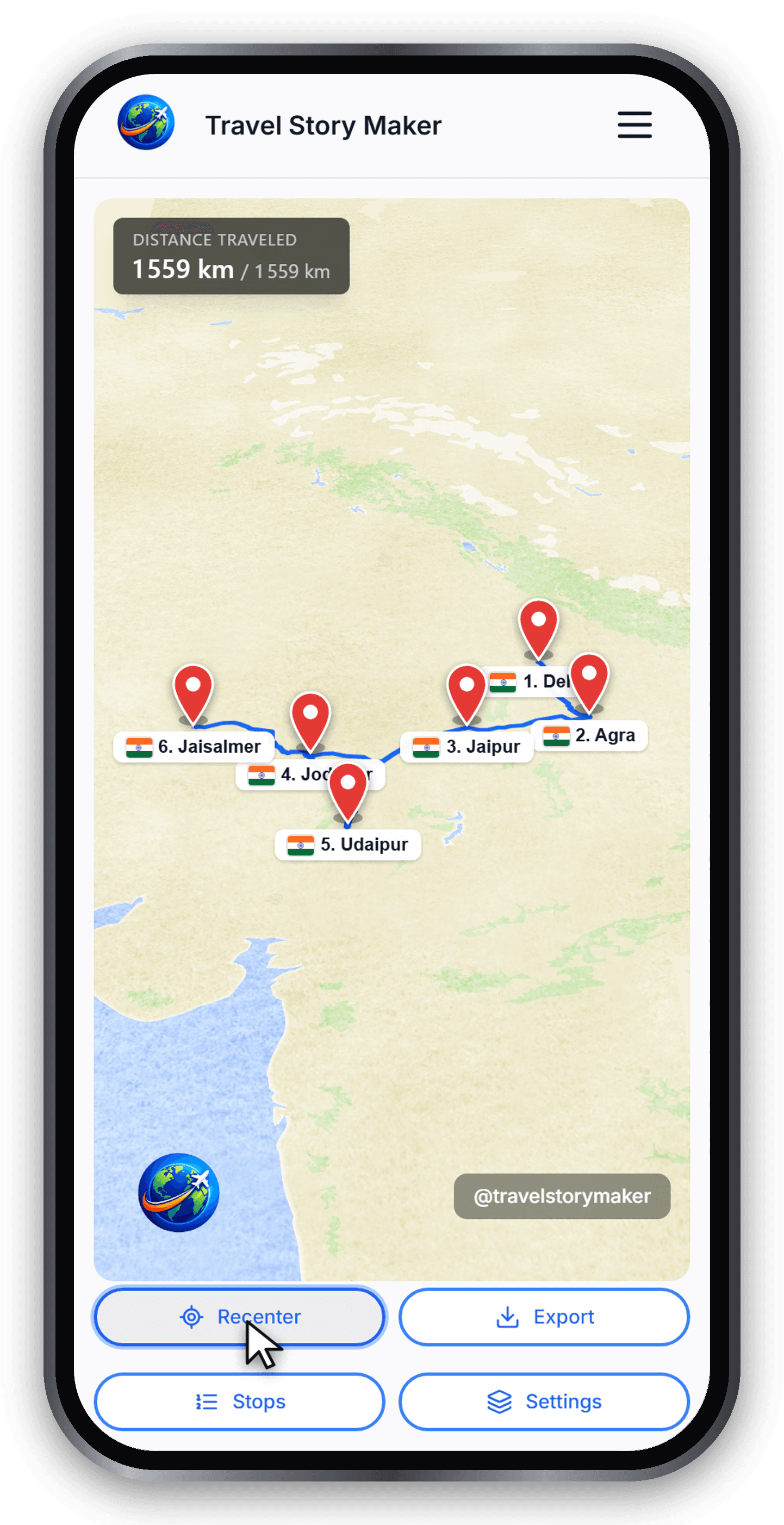
Seven HD map styles are bundled: Light, Dark, Satellite, Details, Night, Vintage and Watercolor. Light works for most trips. Satellite shines for islands and coastlines. Vintage and Watercolor give a hand-drawn, postcard feel - great for storytelling.
Route color and thickness
Pick a vibrant color that contrasts with the map style - orange or yellow on dark maps, deep blue or red on light maps. Thickness defaults to 4 px; bump it to 6–8 px for short routes in a 9:16 export so the trail stays visible.
Speed and easing
Global speed controls how fast the vehicle travels across the whole video. The easing curve (linear, ease-in, ease-out, ease-in-out) controls how it accelerates and slows down at every stop. Use ease-in-out for a cinematic feel; use linear for a clinical, documentary look.
Globe vs flat projection
For trips that span more than one continent, switch the map to globe projection. The earth subtly rotates as the vehicle travels, which sells the scale of the journey far better than a flat Mercator map.
Watermark
Open Settings → Overlays. A free Member account is required to change or remove the watermark text. The separate logo setting adds an image; it is not the watermark control.
Ready to try?
Open the editor and build your first animated travel map in minutes.
Open the editor