
Drop your stops, pick your vehicle, add your photos: Travel Story Maker turns your itinerary into a video ready to share in minutes.

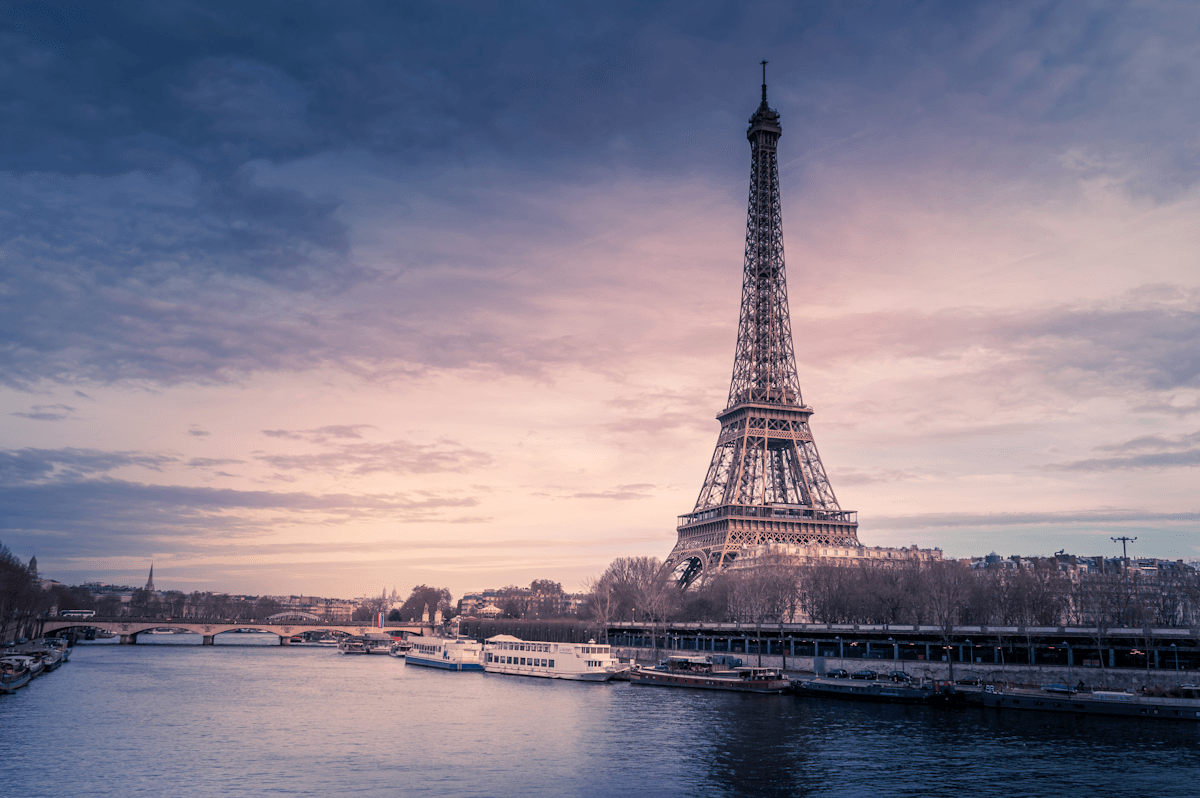
Kyoto · sunset
Trusted by travelers worldwide
happy users
videos created
countries mapped
Search for a city or click the map. Drag and drop to reorder, rename in one click.
Map, 3D vehicle, markers, per-stop photos, speed, watermark - everything tweakable live.
Download an MP4, PNG or GIF in social-ready ratios. Everything stays in your browser.
Add stops
Search any city, address or landmark and drop it on the map - or click directly to place a stop. Reorder by drag and drop and the route redraws itself instantly.
Customization
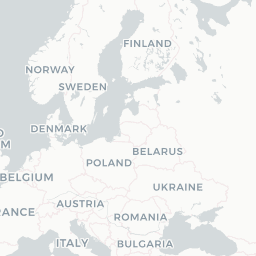
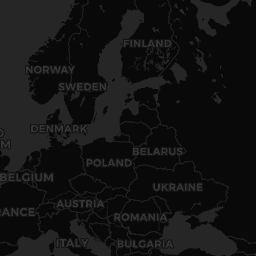
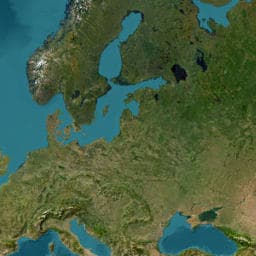
6 map styles, 25+ 2D and 3D vehicles, custom markers, speed, easing, watermark: every detail is in your hands.


Templates
Don't start from scratch: pick a curated itinerary, then customize stops, vehicles and photos in one click.

16 stops

7 stops

7 stops

8 stops
Storytelling
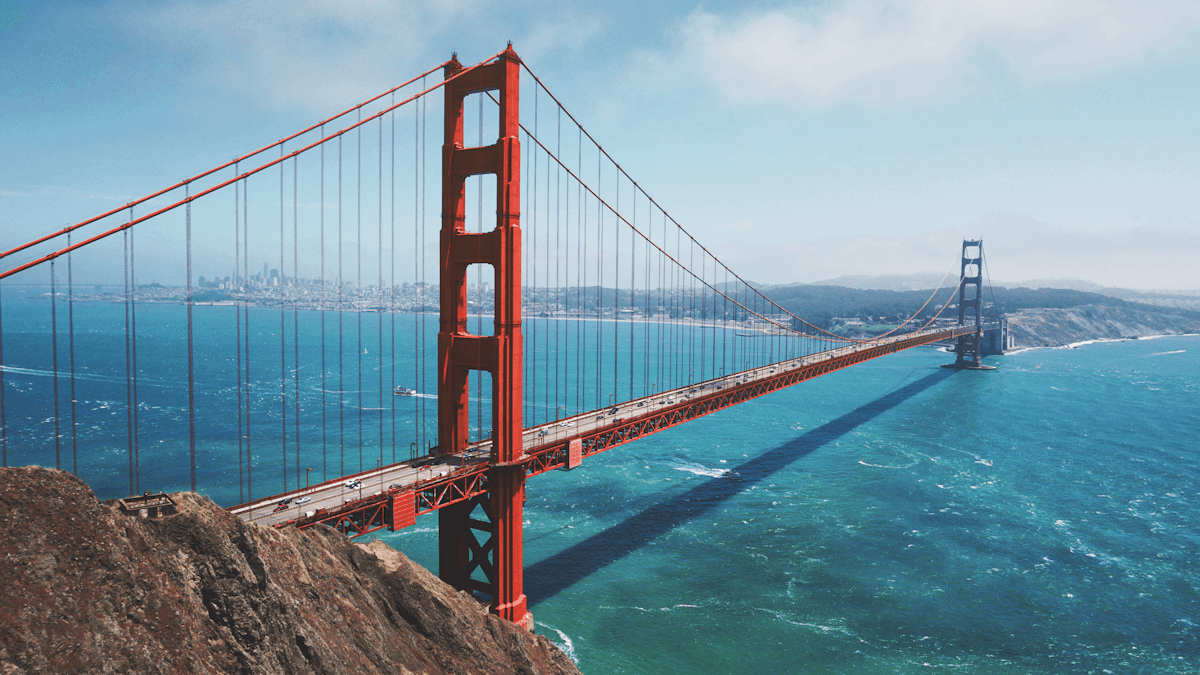
When your vehicle arrives at a stop with photos, the animation pauses for 2 seconds to show them full-screen - like a mini slideshow inside your video.

Route 66 · photo stop

Las Vegas · photo stop

San Francisco · photo stop
Planning
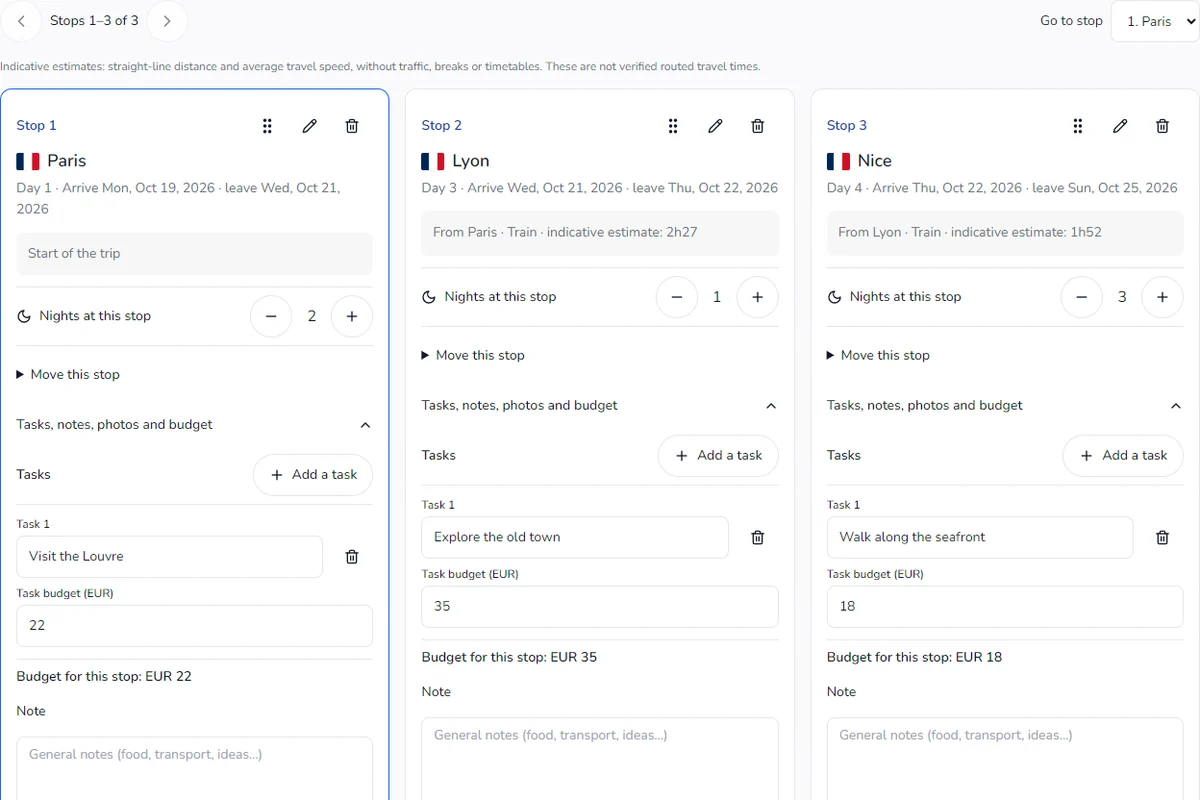
The Steps page turns your itinerary into a real planner: start date, nights per stop, estimated travel time and vehicle for each leg. Everything stays in sync with the editor.
Export
Rendering happens in your browser, frame by frame. The MP4, PNG or GIF file is ready, no network upload, calibrated for Instagram, TikTok and YouTube Shorts.
Postcard
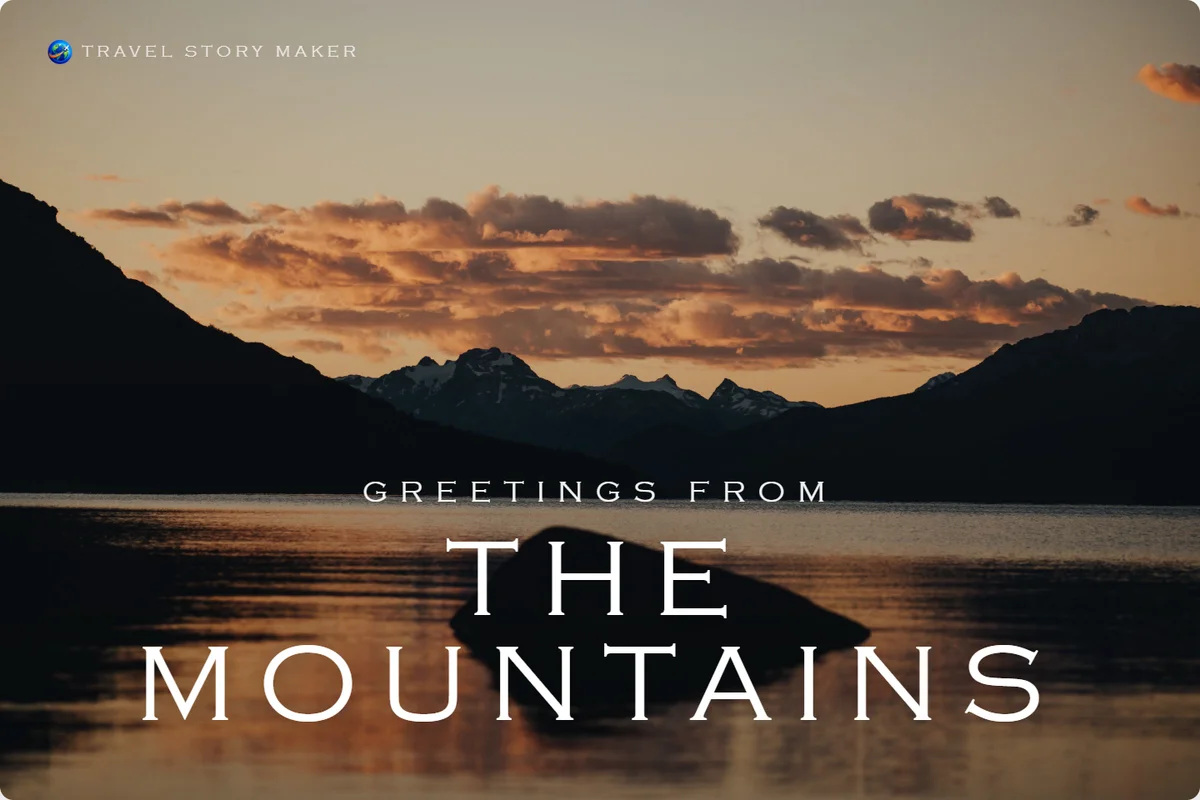
Turn one photo and a few words into a real postcard: front, stamp, postmark and a handwritten message on the back. Ready to print or to post online.

Greetings from
Your next adventure
Passport
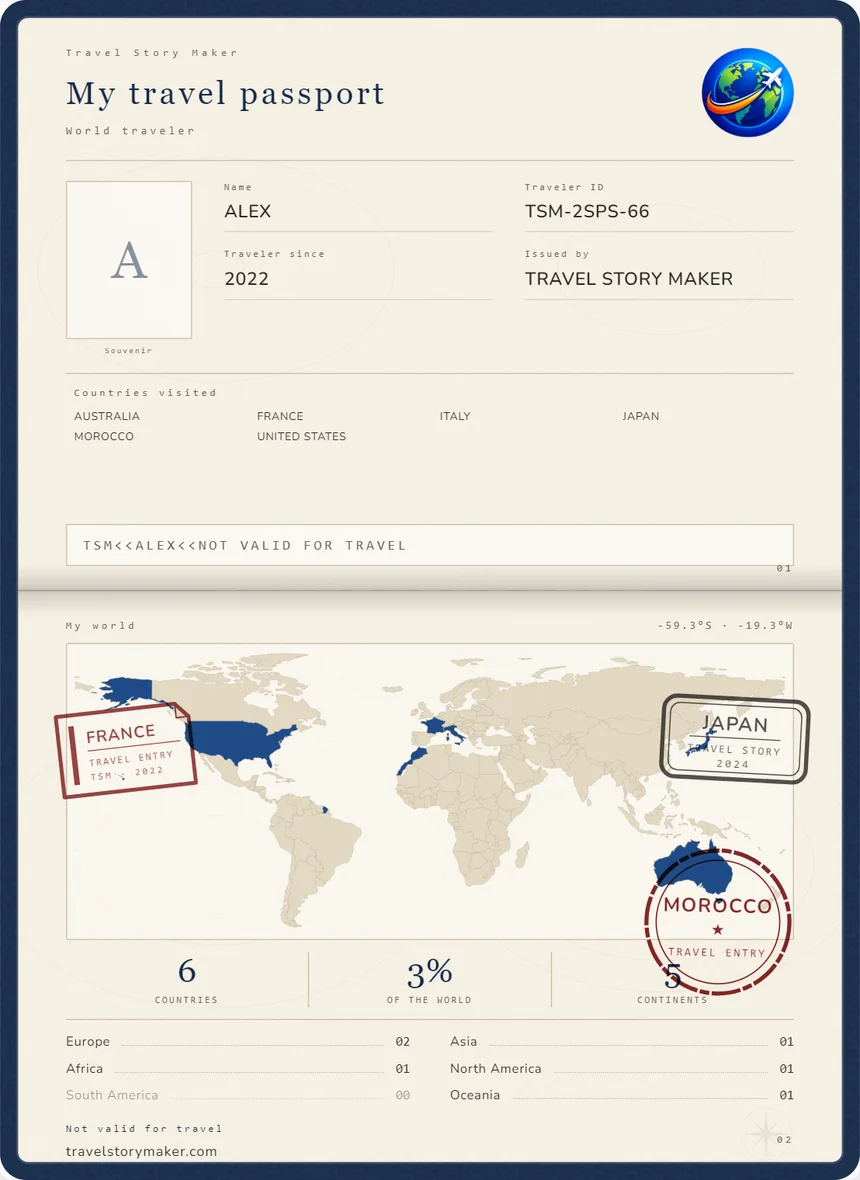
Tick off every country you have set foot in and get your own travel passport: world map, statistics and souvenir stamps on a single page.
Travel Passport
8% of the world explored
« I replaced a two-hour software edit with three minutes on Travel Story Maker. The rendering is cleaner, and my Reels got more views. »
« We use Travel Story Maker to recap our agency tours. Clients receive a polished 30-second video the day they get home, it's become our referral channel. »
« As a teacher I was looking for a clean way to illustrate historical routes for my class. Five minutes, zero training, perfect result. My students loved it. »
Create and export your videos without signing up. A free account keeps your trips safe and lets you brand your videos. Pro is coming soon.
| Feature | GuestNo sign‑up | Top pickMemberFree account | SoonProPaid plan |
|---|---|---|---|
| All included | All included | All included | |
| All included | All included | All included | |
| All included | All included | All included | |
| 3 of 4 included | All included | All included | |
| Not included | All included | All included | |
| 19 of 22 included | All included | All included | |
| All included | All included | All included | |
| All included | All included | All included | |
| 15 of 16 included | All included | All included | |
| All included | All included | All included | |
| 6 of 8 included | All included | All included | |
| 26 of 27 included | 26 of 27 included | All included | |
| All included | All included | All included | |
| 3 of 5 included | All included | All included | |
| Not included | Not included | Planned | |
| Try itTry without an account | Sign upCreate an account | Coming soon |
Pro is in the works: this list is indicative and may change. Today, the whole site is free.
Your working draft and video rendering stay in your browser. Saving a project to your account or confirming a share link uploads a copy of the route, including its photos, logo, notes and planning details, to our servers. Anyone with a share link can view that copy without an account. Map, address search, routing and elevation providers also receive the requests or coordinates needed for those features. Imported audio and video files are not included in cloud saves or share links. See our Privacy Policy for details.
MP4 / PNG and GIF in 9:16, 1:1 and 16:9 ratios. Formats play everywhere (Instagram, TikTok, YouTube, VLC, etc.).
Yes. Pick a stop from the sidebar or the Plan page, add 1 to 4 photos. When the vehicle reaches that stop, the animation automatically pauses for 2 s to show them.
Yes - each segment between two stops can have its own vehicle (plane between two cities, car locally, bike for the last leg…). Travel Story Maker handles the transitions automatically.
Seven HD styles: Light, Dark, Satellite, Details, Night, Vintage and Watercolor. You can toggle between flat projection and 3D globe in the Animation panel, and change the label language.
Yes when you are signed in. Routes saved to your Dashboard are available across devices. As a guest, the draft stays in the browser where you created it.
No. You can create, preview and export a video without an account. Signing in just lets you keep multiple projects in your Dashboard and pick up drafts later.
Yes. From the Plan page, add a title, dates, country and a cover image to turn your route into a short travel story. These elements can be shown as the video intro.
Once the map has loaded the first time, the tiles you browsed are cached locally. You can keep editing your route on a plane or with a flaky connection, although address search needs you back online.
Yes. Without signing up, as a guest, you create and export full animations, up to Full HD. A free Member account keeps your trips and lets you remove or customize the watermark. The paid Pro plan is in the works: among other things, it will add 4K export.
TravelStoryMaker.com is a web editor that turns your itinerary into an animated video: drop your stops on a map, pick a vehicle, customize the style, and export as MP4, PNG or GIF ready to publish on social media.
No. Everything runs directly in your browser (recent Chrome, Edge, Safari, Firefox). No downloads, no extensions to install.
Yes. The editor is responsive and works on smartphone and tablet. For long video exports, a desktop is still recommended for better performance.
Open the Create page, add your stops by search or by clicking on the map, pick a vehicle, tweak the style and speed, then click Export to download your video.
Yes. Each segment can use a different vehicle: car, train or bike follow real roads, while a plane or helicopter draws a direct flight curve between two stops.
Yes. From the Animation panel you can customize the path color, thickness, style (solid, dashed, etc.) or even hide it entirely.
Yes. Seven HD styles are available: Light, Dark, Satellite, Details, Night, Vintage and Watercolor. You can also toggle between flat projection and 3D globe.
Yes. Over 25 vehicles in 2D and 3D style are available (car, motorbike, train, plane, boat, rocket…), along with customizable start and end markers.
Yes. Global speed and per-stop duration are configurable in the Animation panel. You can also pick an easing (linear, ease-in-out…) for a more cinematic feel.
Yes. 3D vehicles are rendered through deck.gl with realistic bearing-aligned orientation, and the map can switch to globe projection for long international trips.
Each project is one route. To manage several trips, create multiple projects from your Dashboard - they remain accessible and editable independently.
You can reach out anytime via the Contact link in the footer. We usually reply within 48 business hours.
Add your stops, pick a vehicle, export the video. Everything runs in your browser.
Free, no sign-up.