
How to change vehicles between your stops
A great travel animation mixes transport modes the way your real trip does - plane to the country, car to the region, bike for the last mile. Travel Story Maker lets you assign a different vehicle to every segment of your route, and renders the transitions for you.
Screenshots illustrate an earlier interface. The instructions and linked help topics below describe the current controls.
On this page
Why change vehicle between stops?
Road and sea routing depend on the routing option and available network; a train icon does not confirm a rail connection. Distances and travel times are estimates, not schedules.
Control and access: Transport mode
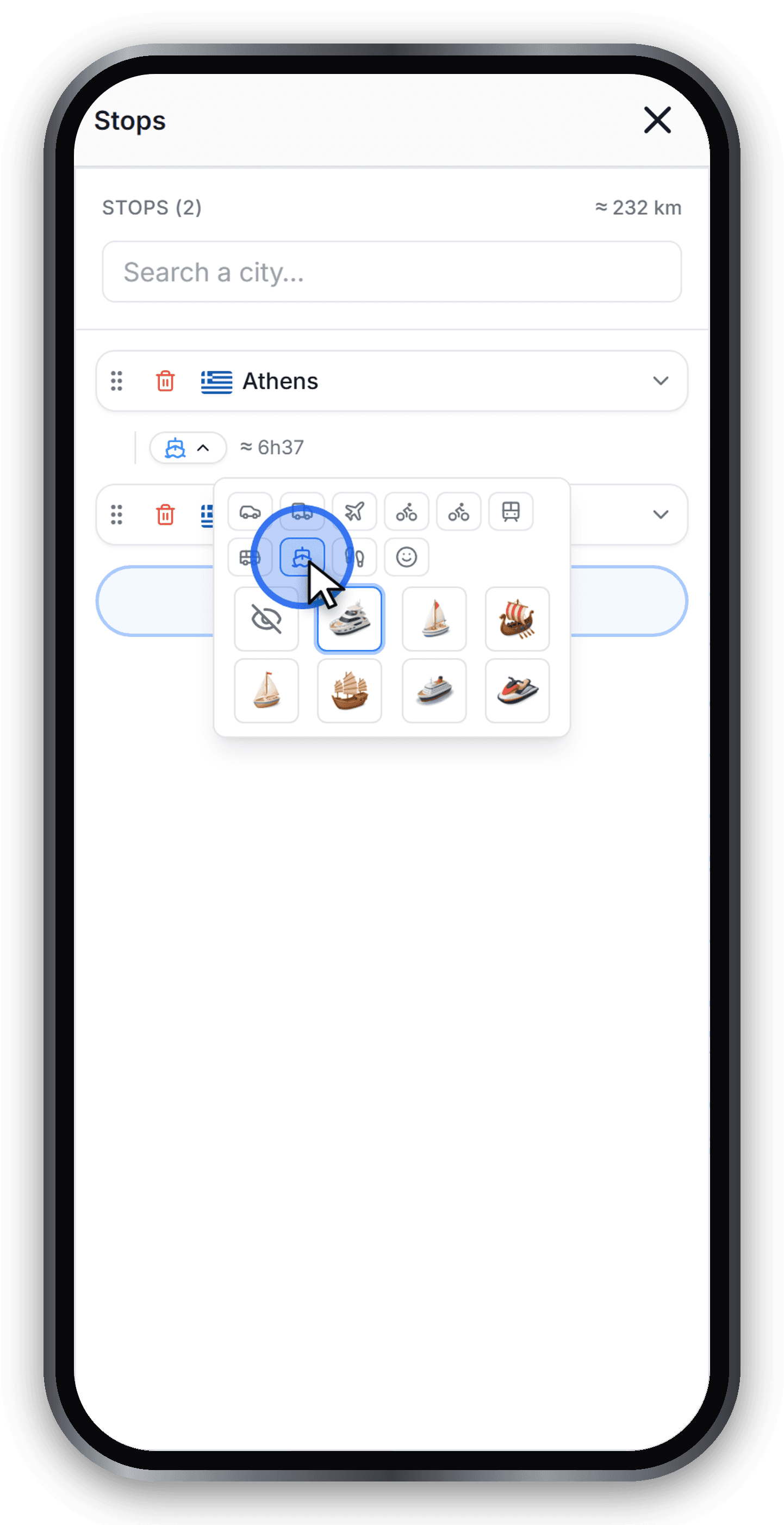
Select a segment
Open the route button between two stops, in the desktop sidebar or mobile Stops drawer. Check departure → arrival in the segment panel before choosing a vehicle: the change affects only that leg.
Pick from the 3D catalog
The picker opens in two parts: a row of transport modes at the top (car, van, plane, motorbike, bike, train, bus, boat, walk, extras), and below it a grid of 3D Fluency models for the selected mode. Pick a mode, then a model - each is oriented automatically along the heading of the route.
The eye-off icon on the left of the grid hides the vehicle for that segment if you only want the route line to move.
Control and access: Leg marker
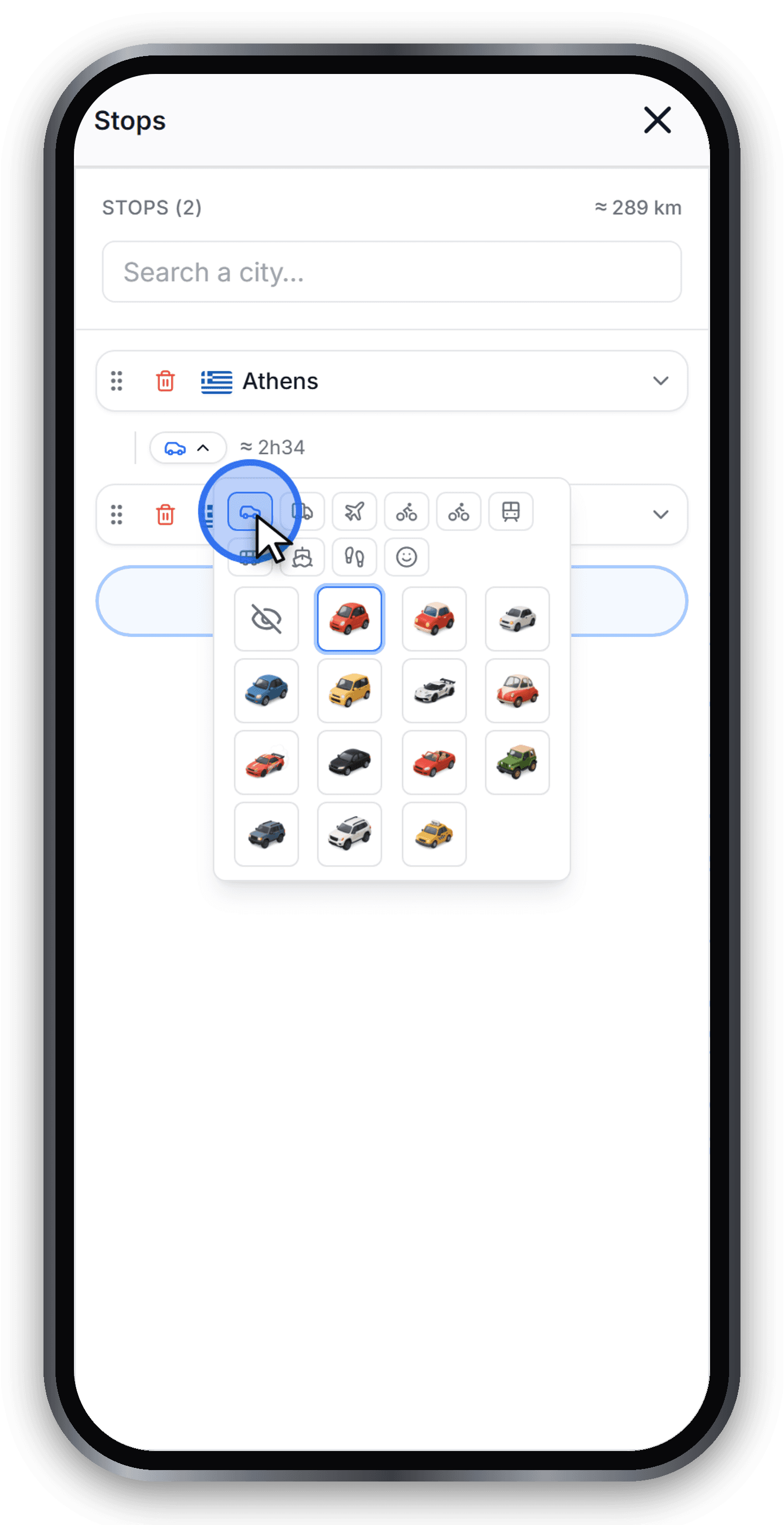
Flight vs road behavior
Air travel draws an arc. With routing enabled, ground transport uses the available network. If no route exists, the editor offers switching to a plane; keeping the selection may leave a straight line. Do not use this preview for navigation.
Control and access: Route not possible
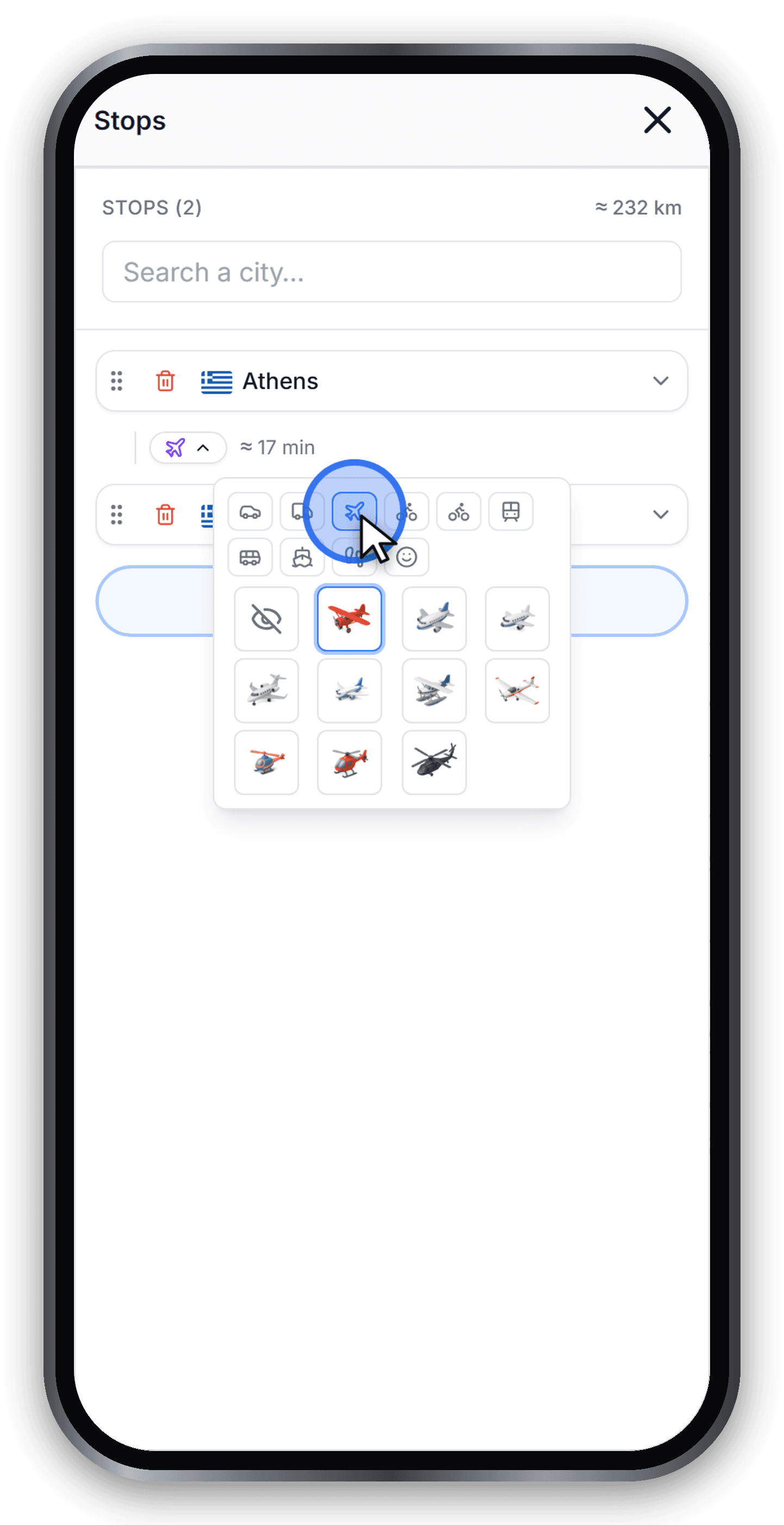
Tip: use the same vehicle across many segments
Choose a vehicle in a segment, then use Apply to the whole route if you want it everywhere. This is separate from selecting one leg. You can then adjust individual segments.
Ready to try?
Open the editor and build your first animated travel map in minutes.
Open the editor