
How to add destinations to your travel route
Destinations - also called stops - are the backbone of your animated travel map. This guide covers the three ways to add them, how to reorder and rename them, and a few tips to keep your route clean and readable.
Screenshots illustrate an earlier interface. The instructions and linked help topics below describe the current controls.
On this page
Search by name
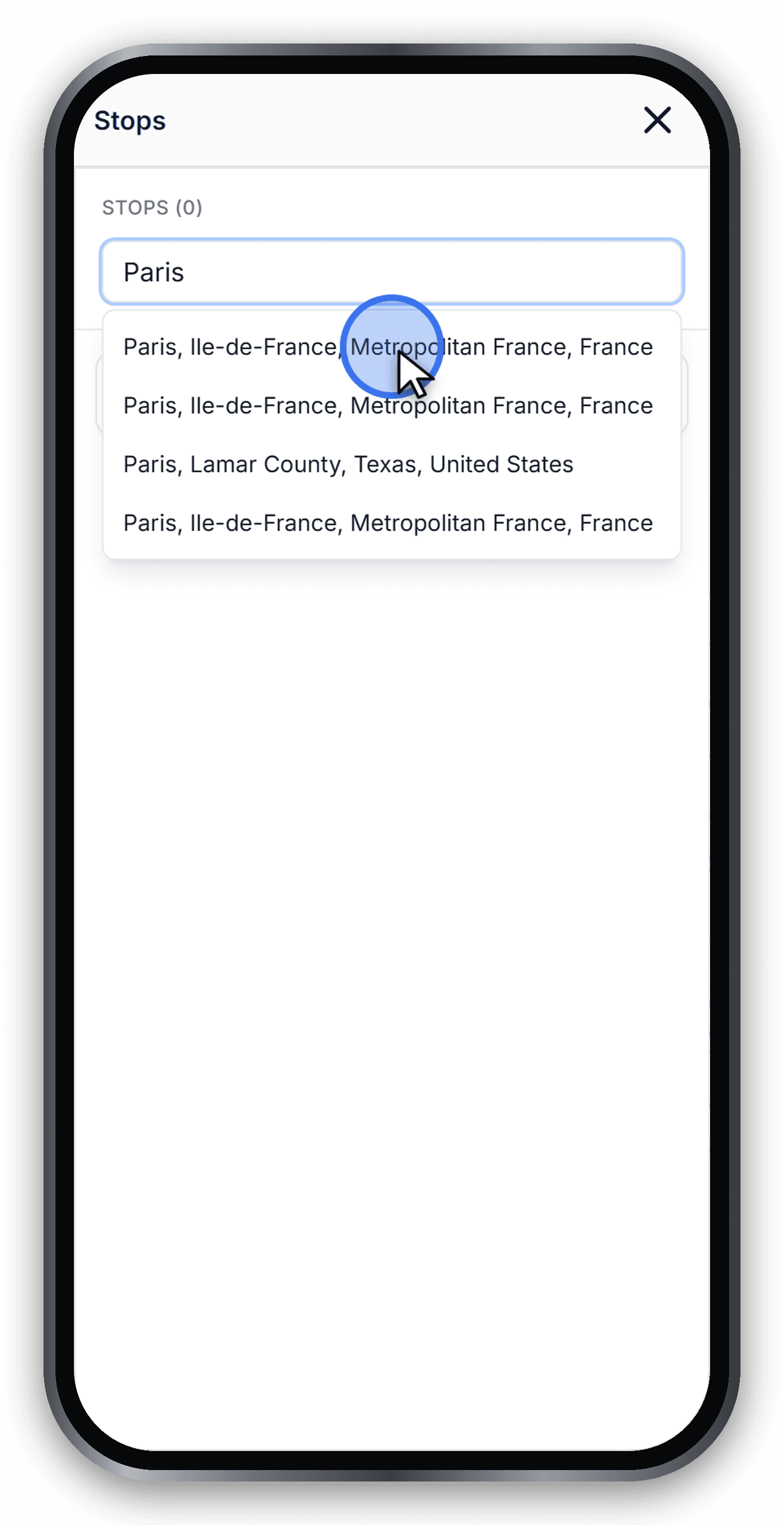
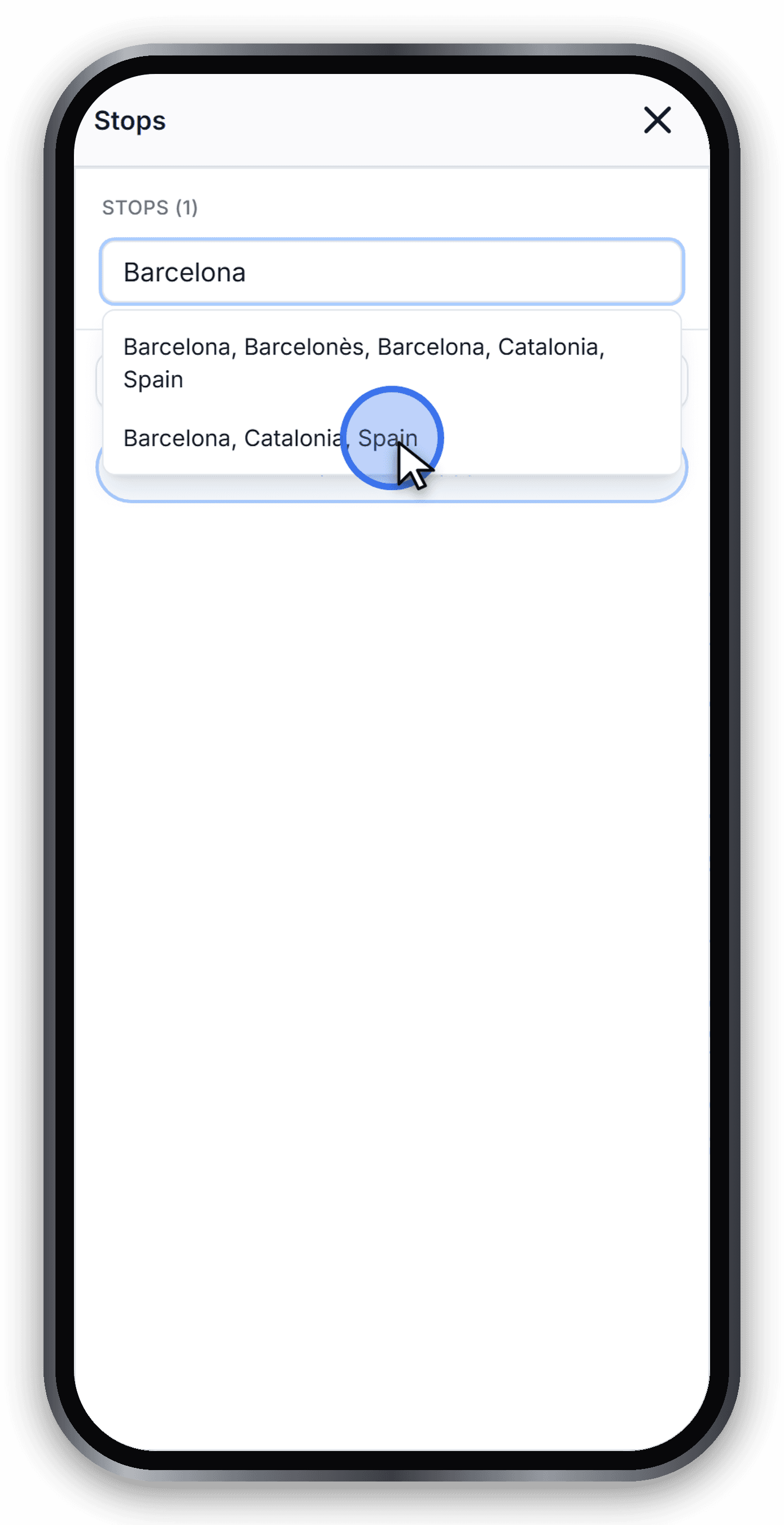
The fastest way is the search bar at the top of the sidebar. Type a city, region, country or famous landmark and pick a result. Travel Story Maker uses OpenStreetMap for geocoding so almost any named place on Earth works.
Press Enter to add the place as a stop. In the example below we start the trip with Paris.
Control and access: Add a place
Click on the map
On desktop, activate Pick on map beside search, then click the map. The mode switches off after adding a point. On mobile, open Stops and use search or coordinates instead.
Paste coordinates
If you already have a latitude and longitude (from a GPS, a Google Maps share link or a flight tracker), paste them into the search bar in the format lat, lng. The stop is added at that exact point.
Reorder and rename
Drag a stop by its handle, or focus the handle and use Space, arrow keys, then Space again. Expand the stop and use the pencil to rename it; Enter saves and Escape cancels. The trash button removes the stop.
Control and access: Rename a stop
Best practices
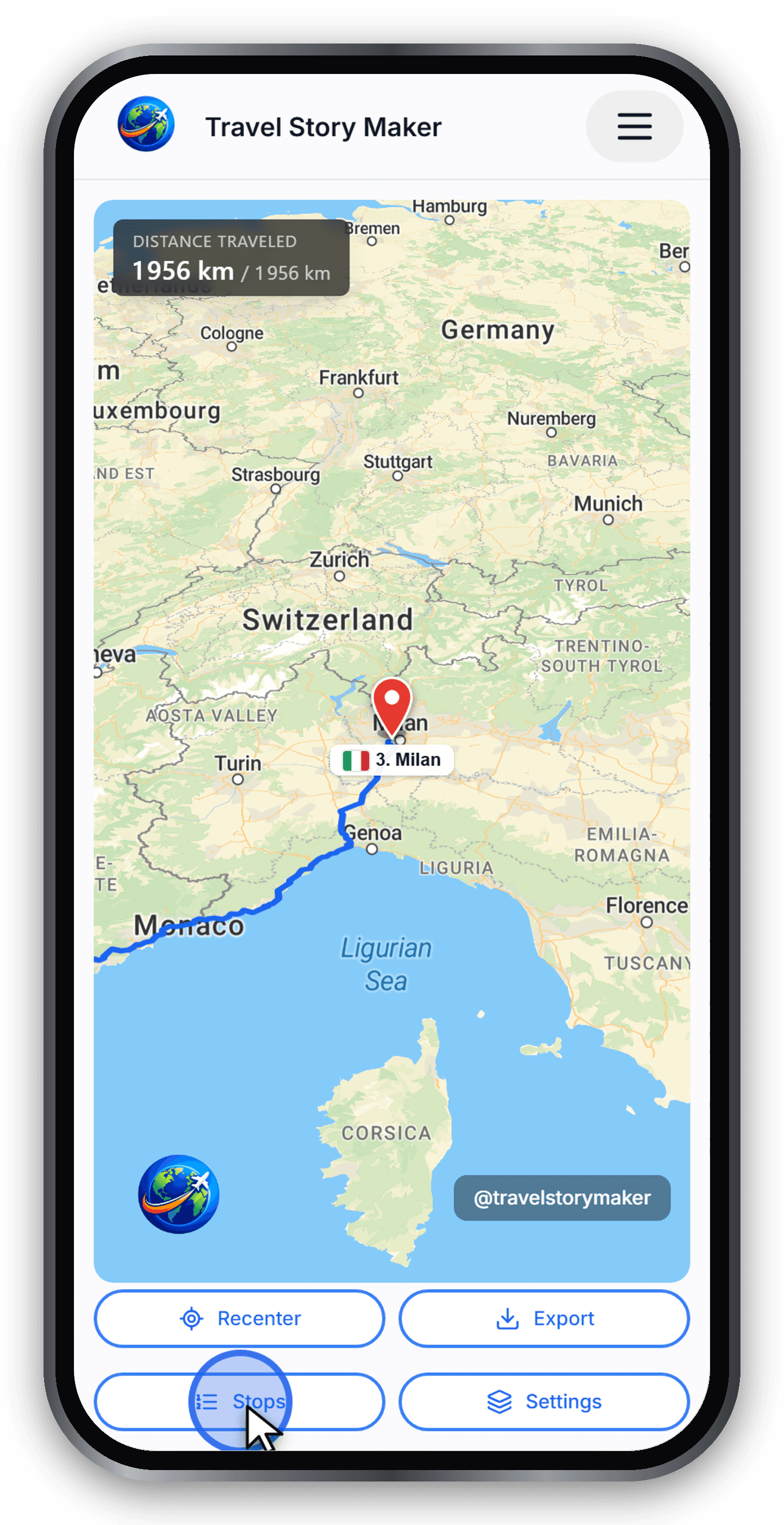
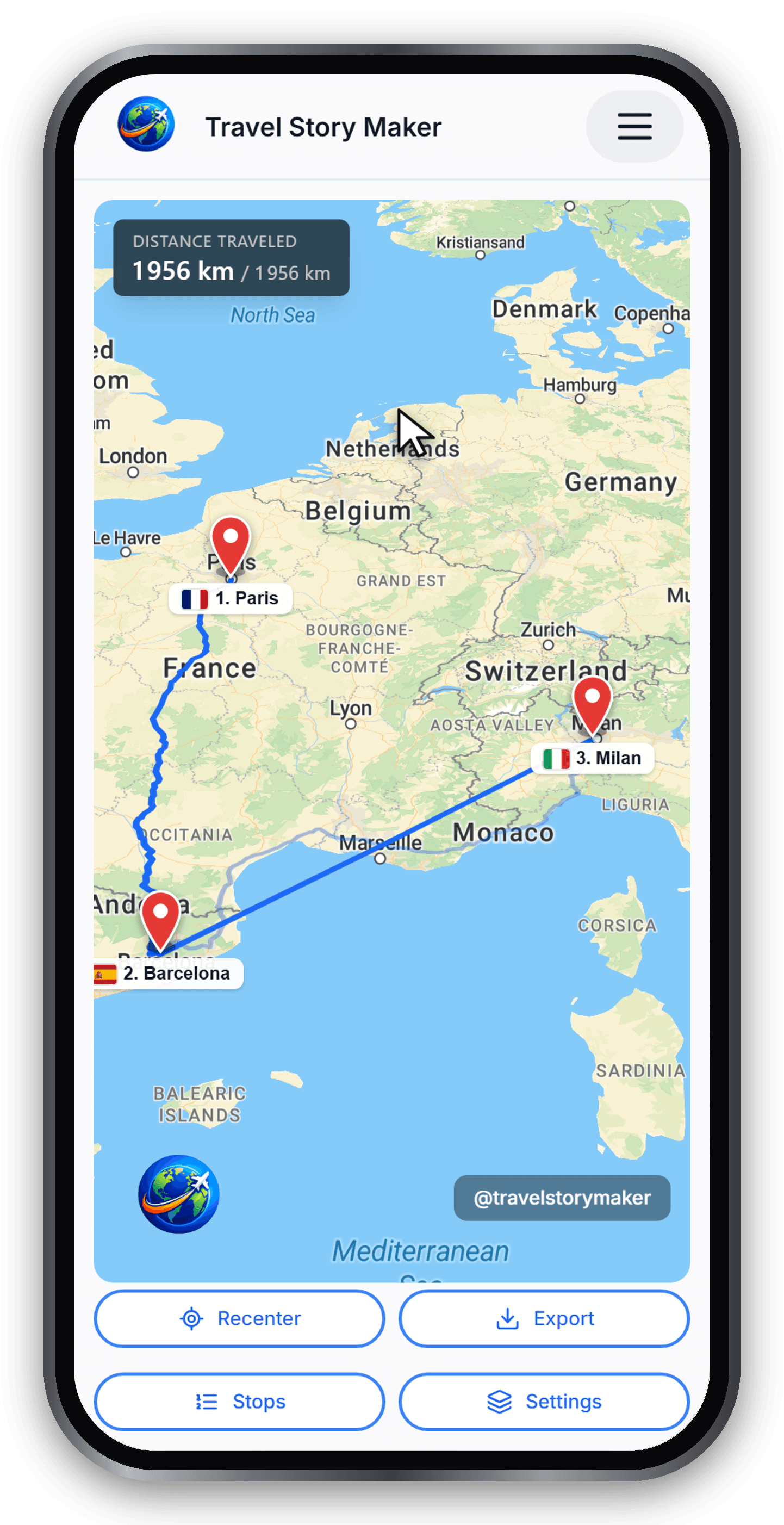
Keep your route readable by spacing stops out. A 30-second animation typically shows 4 to 8 stops well - beyond that, viewers lose track.
- Group nearby points into a single stop when possible.
- Order matters: stops are connected in sequence.
- Use Settings → Labels to adjust stop labels if the map gets crowded.
Control and access: Label language
Ready to try?
Open the editor and build your first animated travel map in minutes.
Open the editor